
Update my payment informationUpdated 10 days ago
Need to switch your card? No worries, here’s how to do it:
- Pop over to [email protected] and log into your customer portal.
- Scroll down and press the orange button 'Edit payment method.'
- Hit 'Manage Payment Methods'.
- Click ‘Edit' or 'Add Payment method' in the banner appearing.
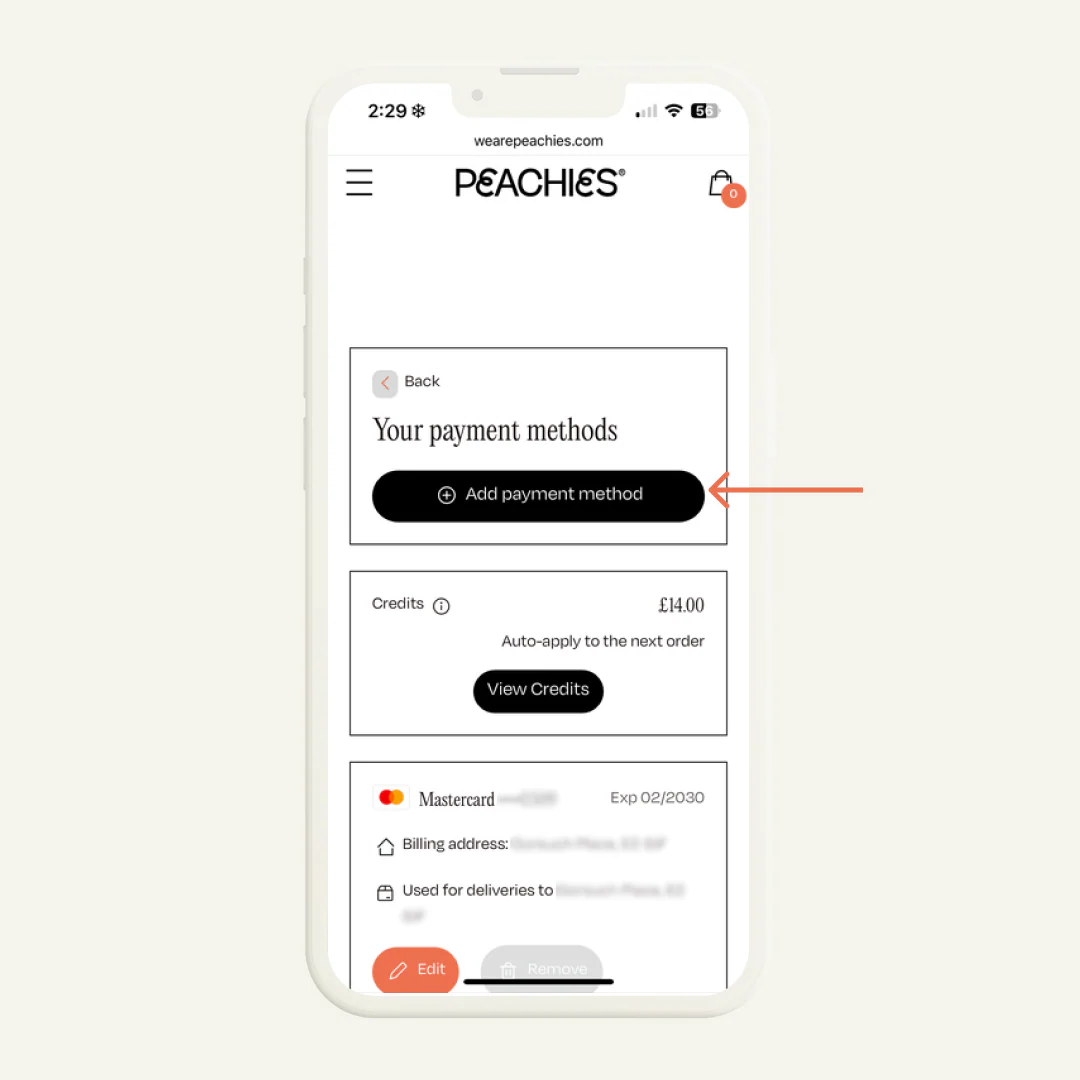
- Pop in your new card details.
Don’t forget to click the black button 'Update payment method.’