
Reschedule an orderUpdated 10 days ago
If you have an active subscription and you would like to reschedule your upcoming order, please follow these steps or watch a walkthrough here:
1. Log into your customer portal viawearepeachies.com.
2. Under 'Your next order' you will see three options; ‘Send now’, ‘Reschedule’ or ‘Skip’.
3. Click 'Reschedule' to a date that best suits you. Please note that we ship and delivery next day for orders placed Mondays to Fridays before 4PM UK.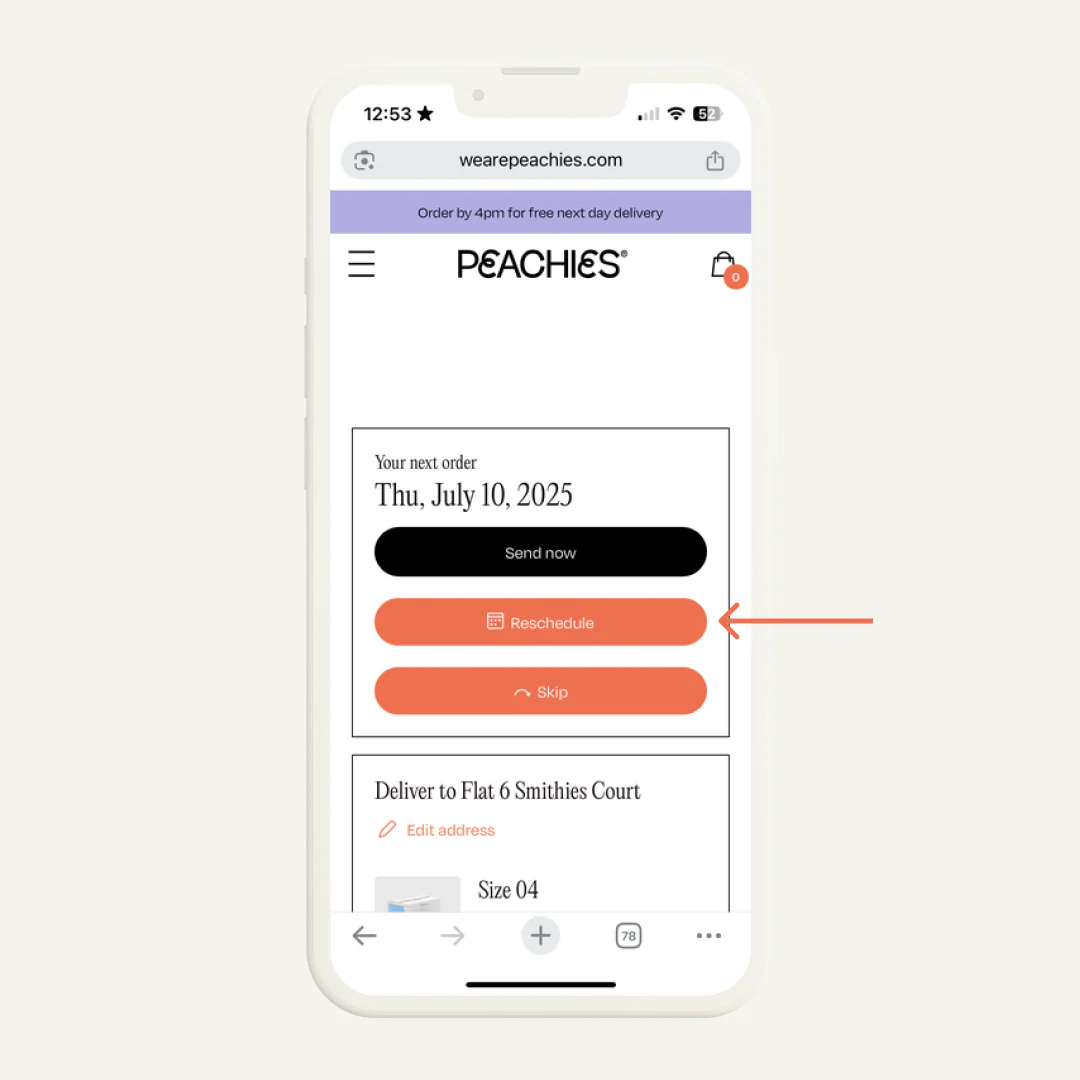
If you would like to discuss your schedule, or if you’re unsure on what to do due to a Bank Holiday please send us an email at [email protected] and someone from the Concierge team will be happy to advise.