
Change sizeUpdated 10 days ago
If you have an active subscription and you would like to update the size for your next order:
Prefer to see it in action? Watch our handy walkthrough 🎥 or follow the steps below.
- Log into your customer portal via wearepeachies.com with your email address and a one time passcode (‘OTP').
- Please check your spam folder as the OTP likes to hide in there sometimes. You also may need to refresh your spam folder and wait a few seconds before the OTP appears.
- Select 'Manage this Subscription' in your Peachies portal.

- Scroll down and select 'Swap for a Different Product.'
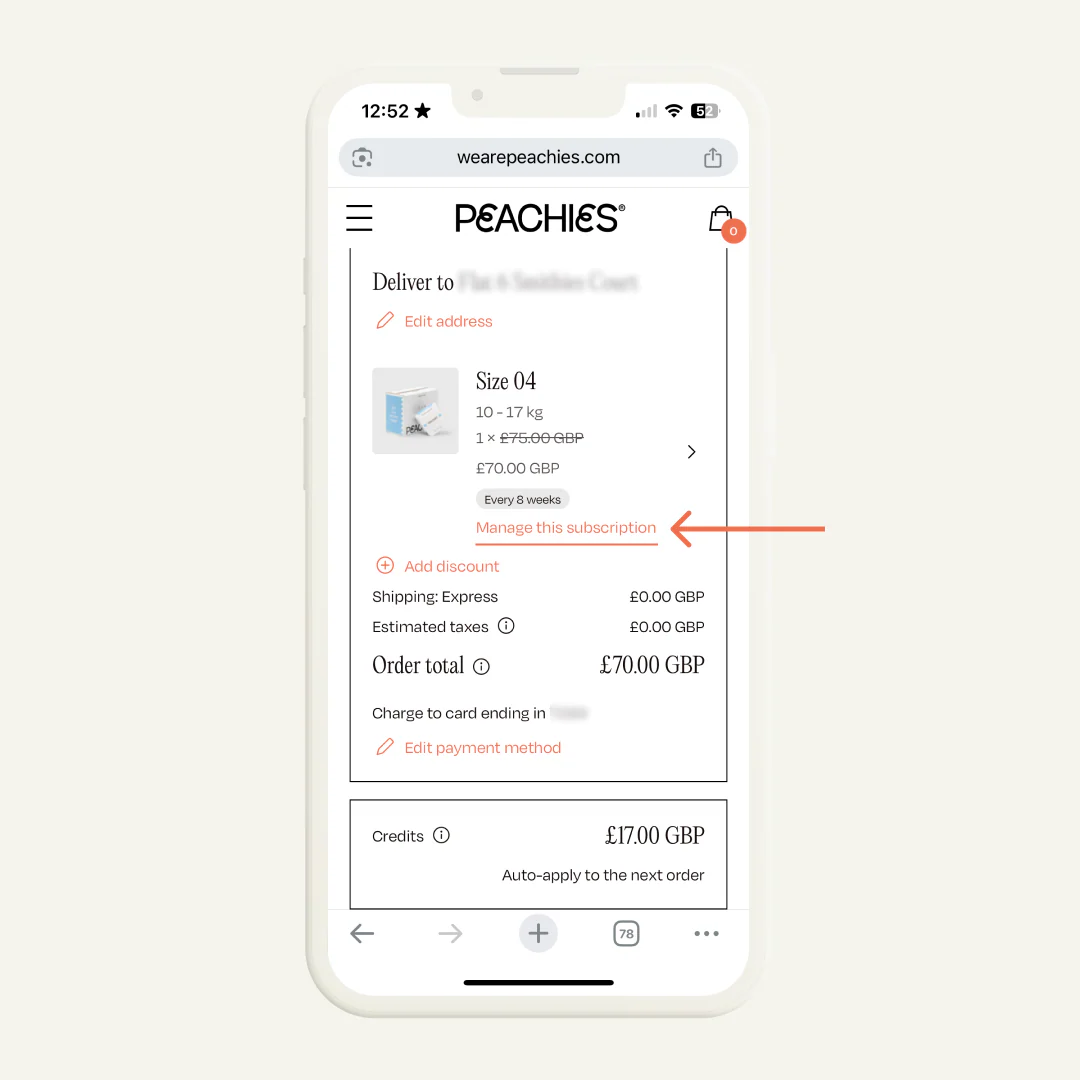
- Select the size.
If you would like to discuss your schedule, please send us an email at [email protected] and someone from the Concierge will be happy to advise.